qStudio
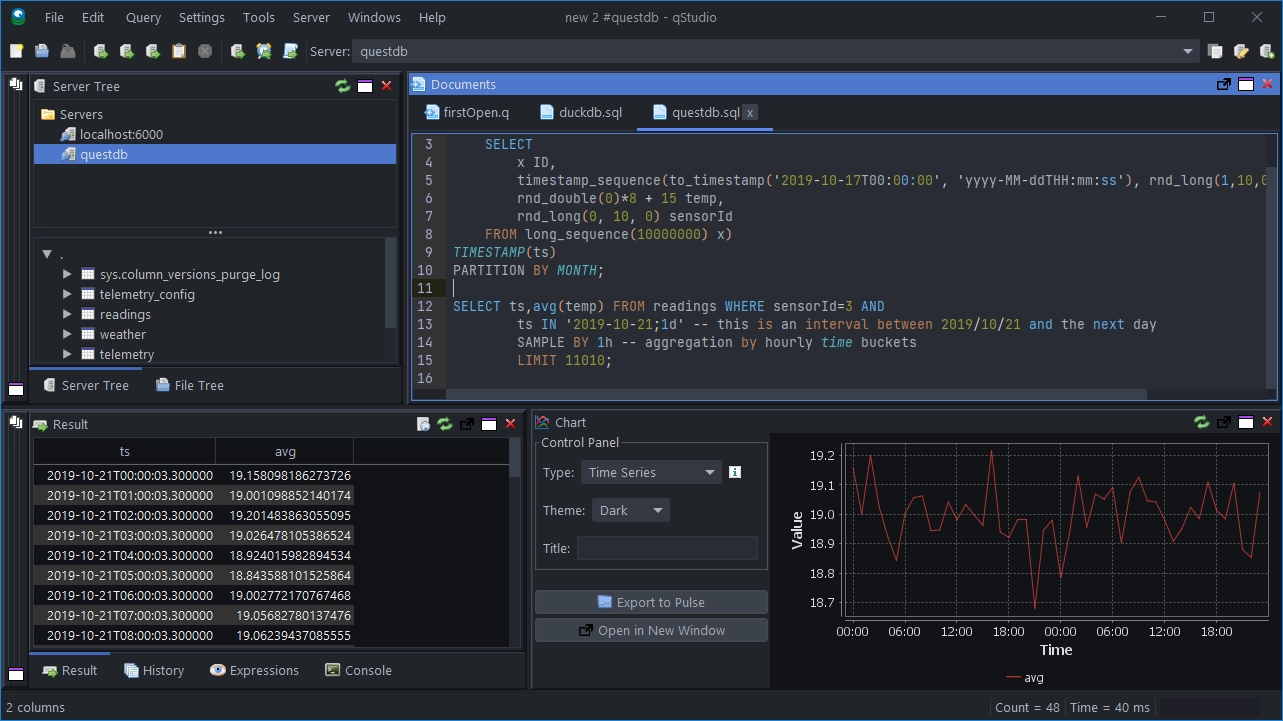
qStudio is a free SQL GUI. It allows to run SQL scripts, browse tables easily, chart and export results.
qStudio includes charting functionality including time-series charting which is particularly useful with QuestDB. It works on every operating system and with every database including QuestDB via the PostgreSQL driver.
Prerequisites
- A running QuestDB instance (See Getting Started)
Configure QuestDB connection
-
Download qStudio for your OS
-
Launch qStudio
-
Go to
Server->Add Server -
Click
Add data source -
Choose the
PostgreSQLplugin and configure it with the following settings:host:localhost
port:8812
database:qdb
user:admin
password:quest
Sending Queries
Run queries with:
- Ctrl+Enter to run the current line, or
- Ctrl+E to run the highlighted code.